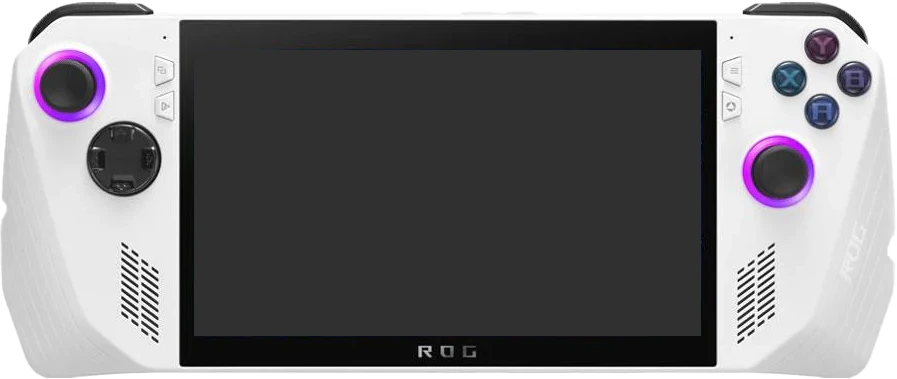
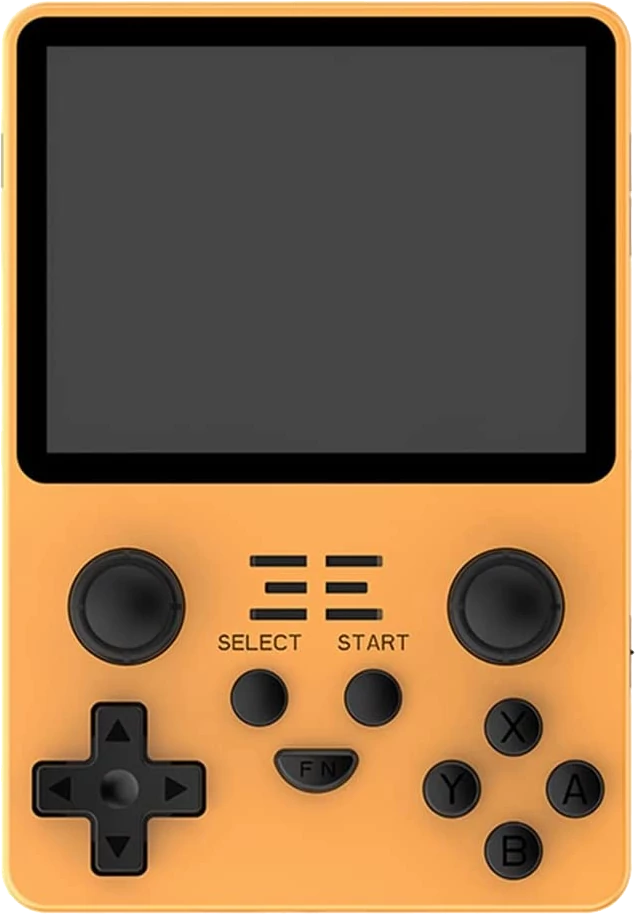
Physical Dimensions & Thickness: The ASUS ROG Ally has a horizontal bar chassis measuring 280 × 113 × 39 mm, while the Powkiddy RGB20S uses a vertical (game boy style) chassis measuring 83 × 120 × 20.8 mm. In width, the ASUS ROG Ally is 197 mm (237.3%) wider than the Powkiddy RGB20S. In height, the ASUS ROG Ally is 7 mm (5.8%) shorter than the Powkiddy RGB20S. In chassis thickness (depth), the ASUS ROG Ally is 18.2 mm (87.5%) thicker than the Powkiddy RGB20S (39 mm vs 20.8 mm).
Footprint Area & Weight: Calculating surface footprint (width × height), the ASUS ROG Ally occupies 31,640 mm² (316.4 cm²), compared to 9,960 mm² (99.6 cm²) for the Powkiddy RGB20S—a footprint difference of 21,680 mm² (217.7%). On the scale, the ASUS ROG Ally weighs 608g versus 200g for the Powkiddy RGB20S, representing a 408g (204%) weight difference (Powkiddy RGB20S is lighter).
4:3 vs 16:9 Effective Viewable Screen Size: For classic 4:3 retro games (PS1, SNES, N64, Dreamcast), the ASUS ROG Ally's 7" (16:9) panel yields a 5.72" effective diagonal (75% active screen area with vertical pillarbox bars on the sides (native 16:9)), while the Powkiddy RGB20S's 3.5" (4:3) panel yields a 3.5" effective diagonal (100% full screen without black bars (native 4:3)). This gives the ASUS ROG Ally a 2.22" larger active 4:3 diagonal (167% more active display area). For 16:9 widescreen content (PSP, Switch, streaming), the ASUS ROG Ally delivers a 7" effective diagonal (100% screen usage) versus 3.21" (75% screen usage) on the Powkiddy RGB20S, making the ASUS ROG Ally larger by 3.79" (+374.8% active 16:9 area).